WordPress plugin

A reading-time badge that fits your theme.

Counts the words, divides by reading speed, and prepends a quiet “X min read” above your posts. Your style, your colours, your wording, no tracking.

3 min read About 5 minutes 7 min read

Prefer to try first? Launch the live in-browser preview ↗
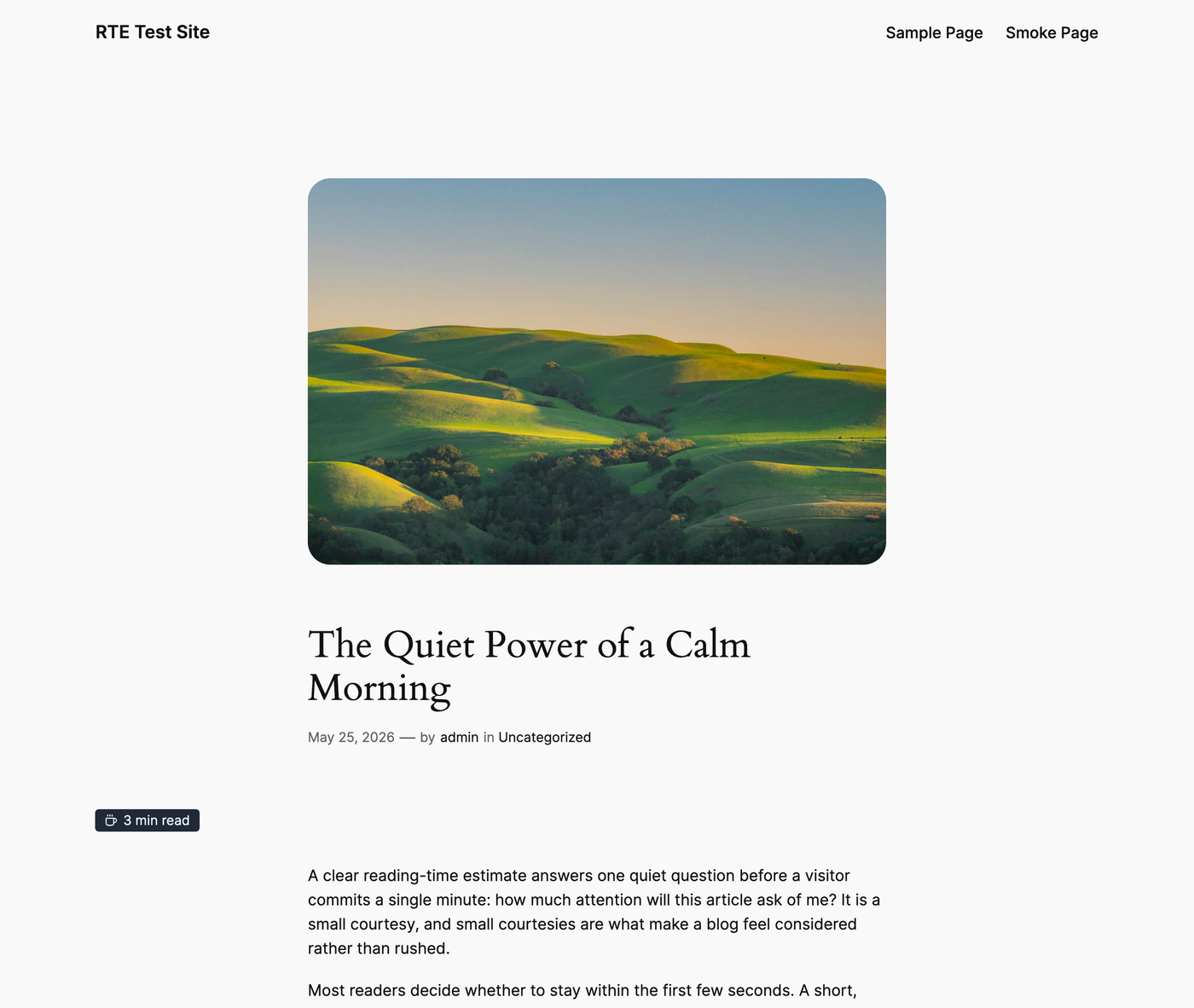
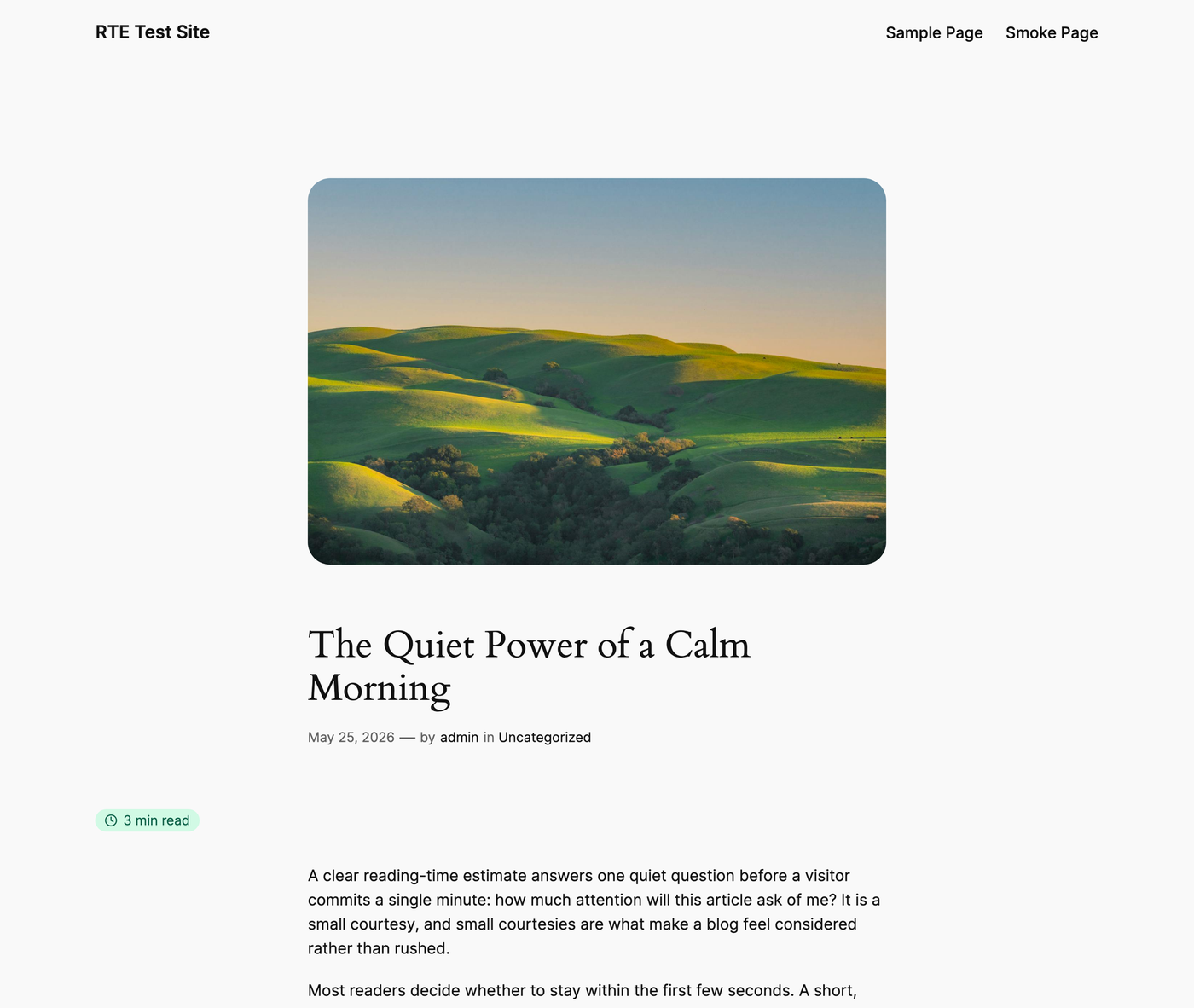
The reading-time badge above a published post
Everything you need

Small plugin, thoughtful details.

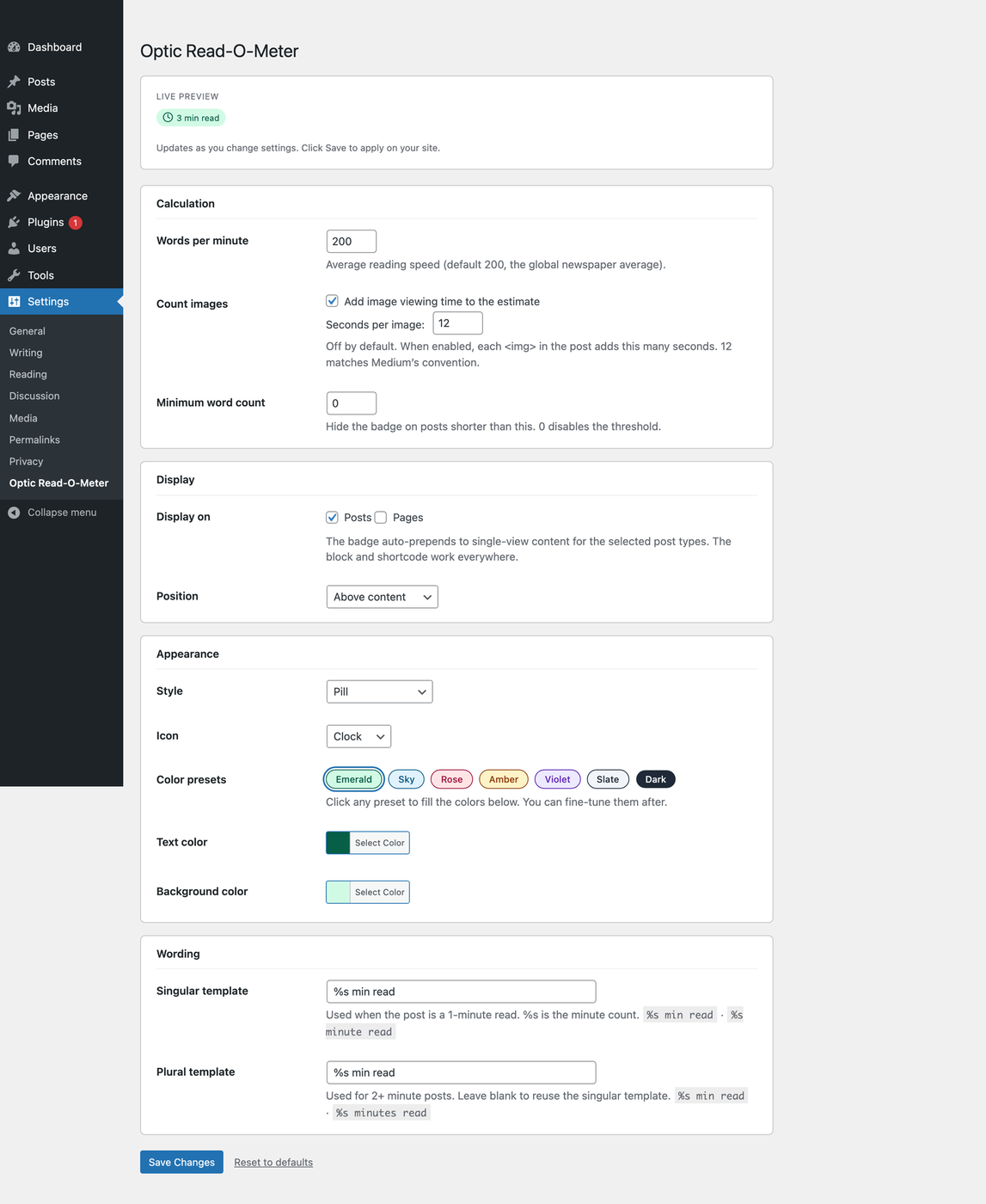
One settings page, a live preview, and sensible defaults. It works the moment you activate it.

Zero configuration

Activate and your single posts get a tasteful badge above the content. Done.

Five styles, four icons

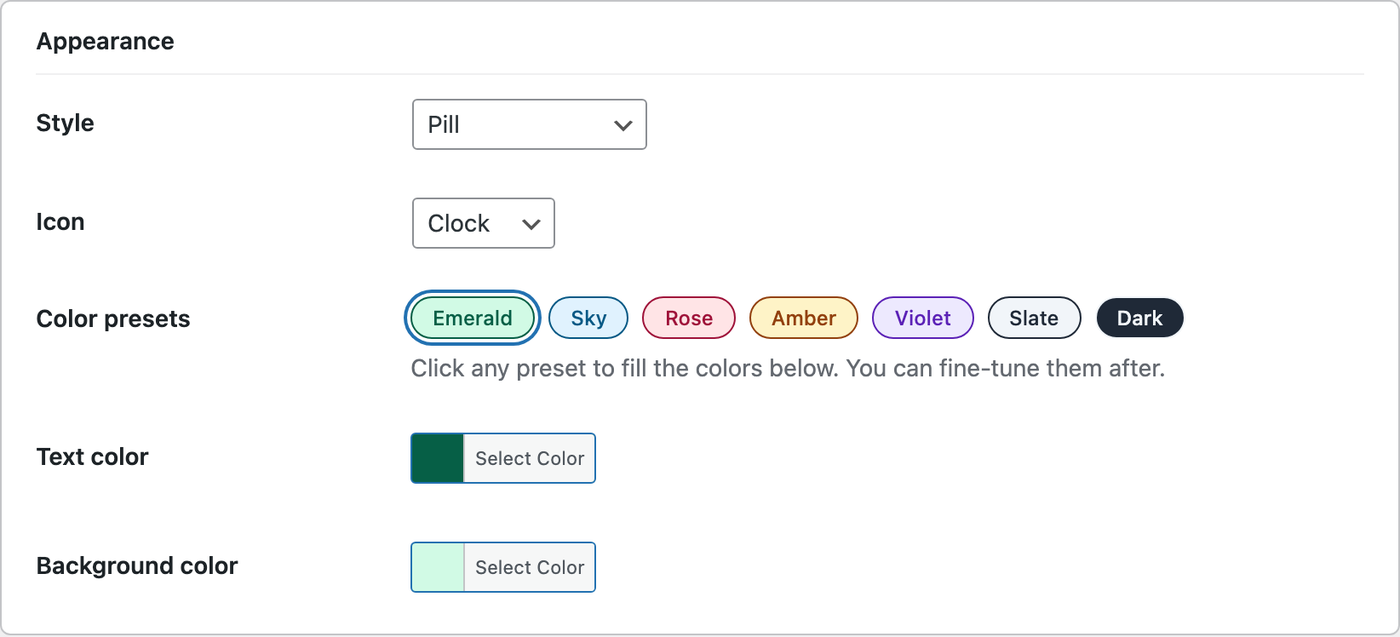
Pill, minimal, dark, outline, or none. Clock, coffee, book, or none. One dropdown each.

Your colours

Two colour pickers plus seven one-click palettes: Emerald, Sky, Rose, Amber, Violet, Slate, Dark.

Your wording

“3 min read”, “About 5 minutes”, whatever you like. Separate singular and plural templates.

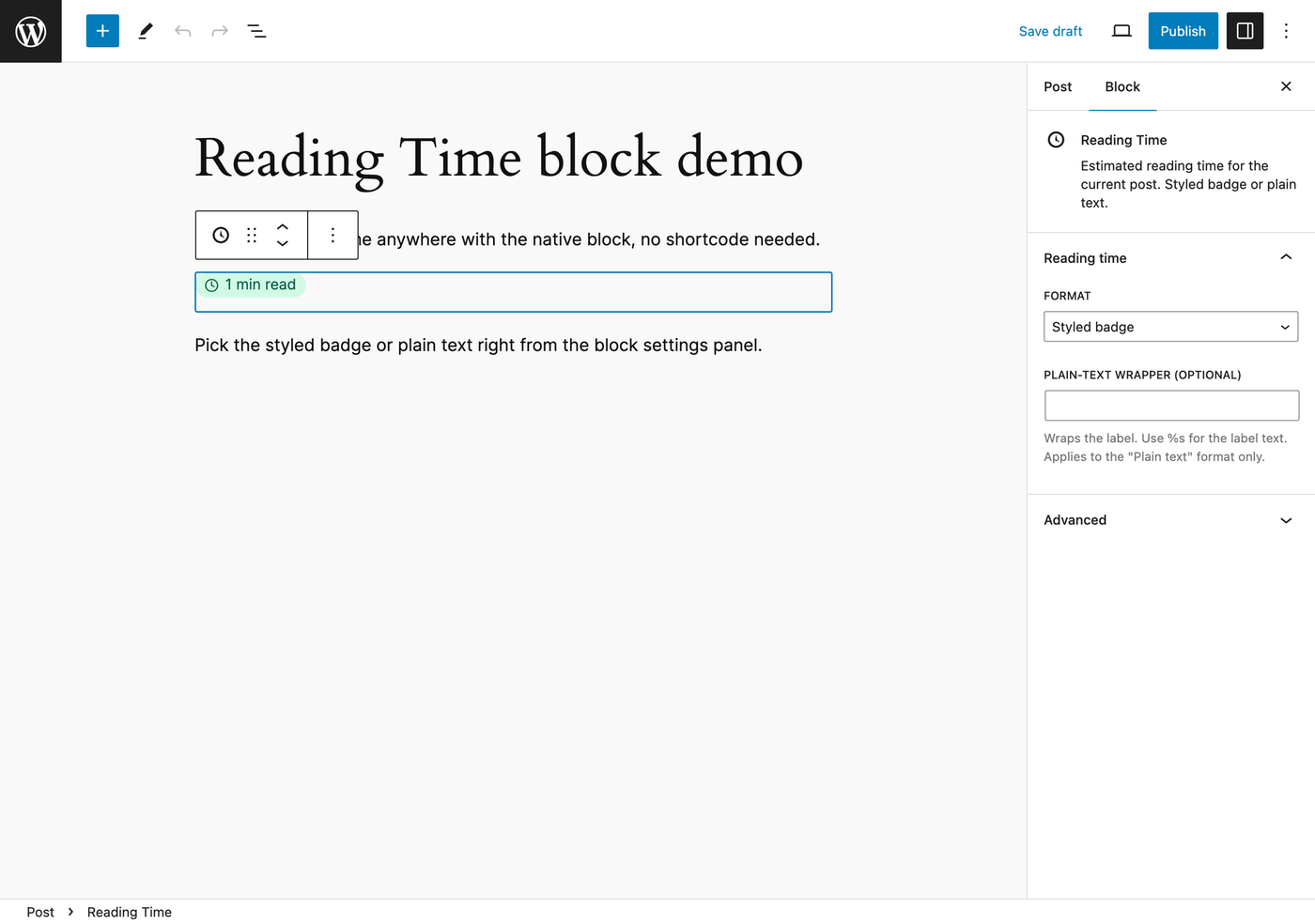
Block, shortcode, filters

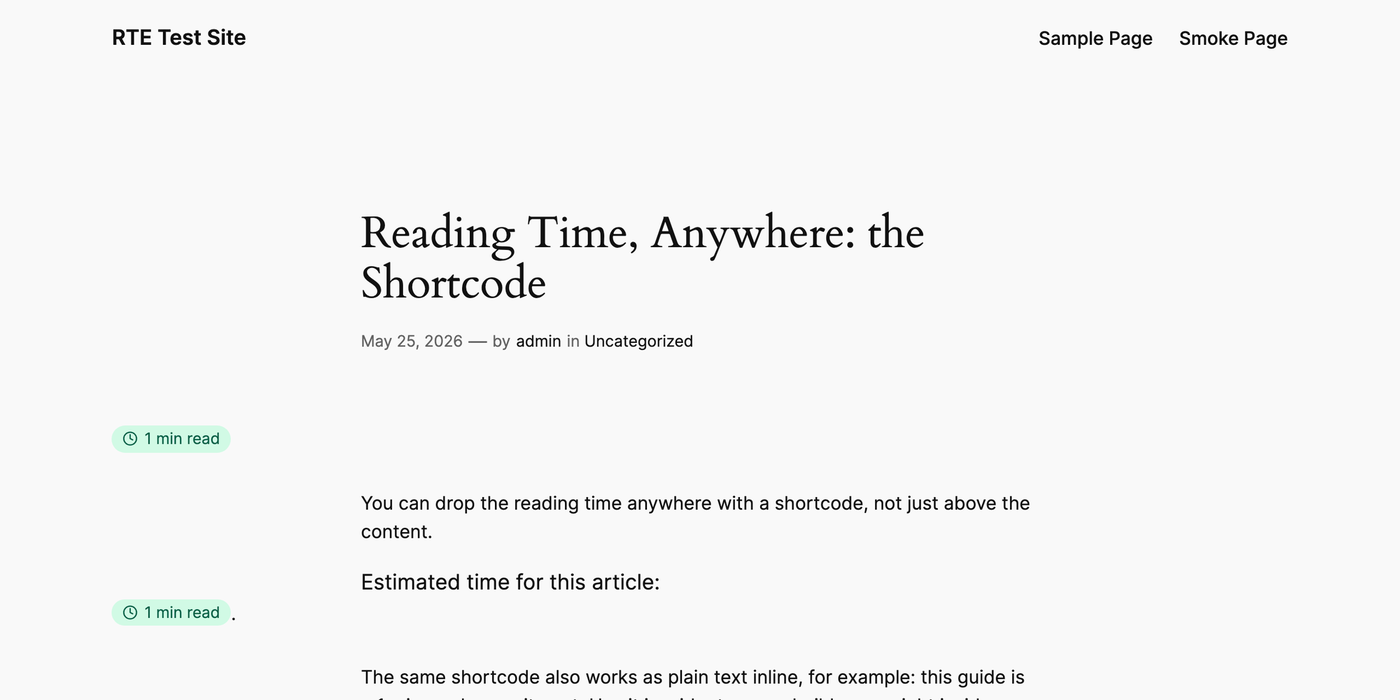
A Gutenberg block, the [optrom_reading_time] shortcode, and two PHP filters for full control.

No tracking, no CDN

No external HTTP, no third-party libraries, no analytics. Counts cache on save, then read one integer.

See it in action

From the post to the settings.

The same little badge readers already know, with a configurator that stays out of your way.

For developers

A shortcode and two filters.

Everything you need to ship reading time anywhere, and bend it to your own rules.

// Render the label as text:
[optrom_reading_time]

// Render the styled badge:
[optrom_reading_time format="badge"]

// Custom template (%s becomes the minute count):
[optrom_reading_time template="About %s"]

// Change reading speed for technical posts:
add_filter( 'optrom_words_per_minute', function( $wpm, $post ) {
  return has_category( 'technical', $post ) ? 150 : $wpm;
}, 10, 2 );

// Replace the entire label string:
add_filter( 'optrom_label', function( $label, $minutes, $post ) {
  return sprintf( '☕ %d min read', $minutes );
}, 10, 3 );